
Less Pressure. More Progress.
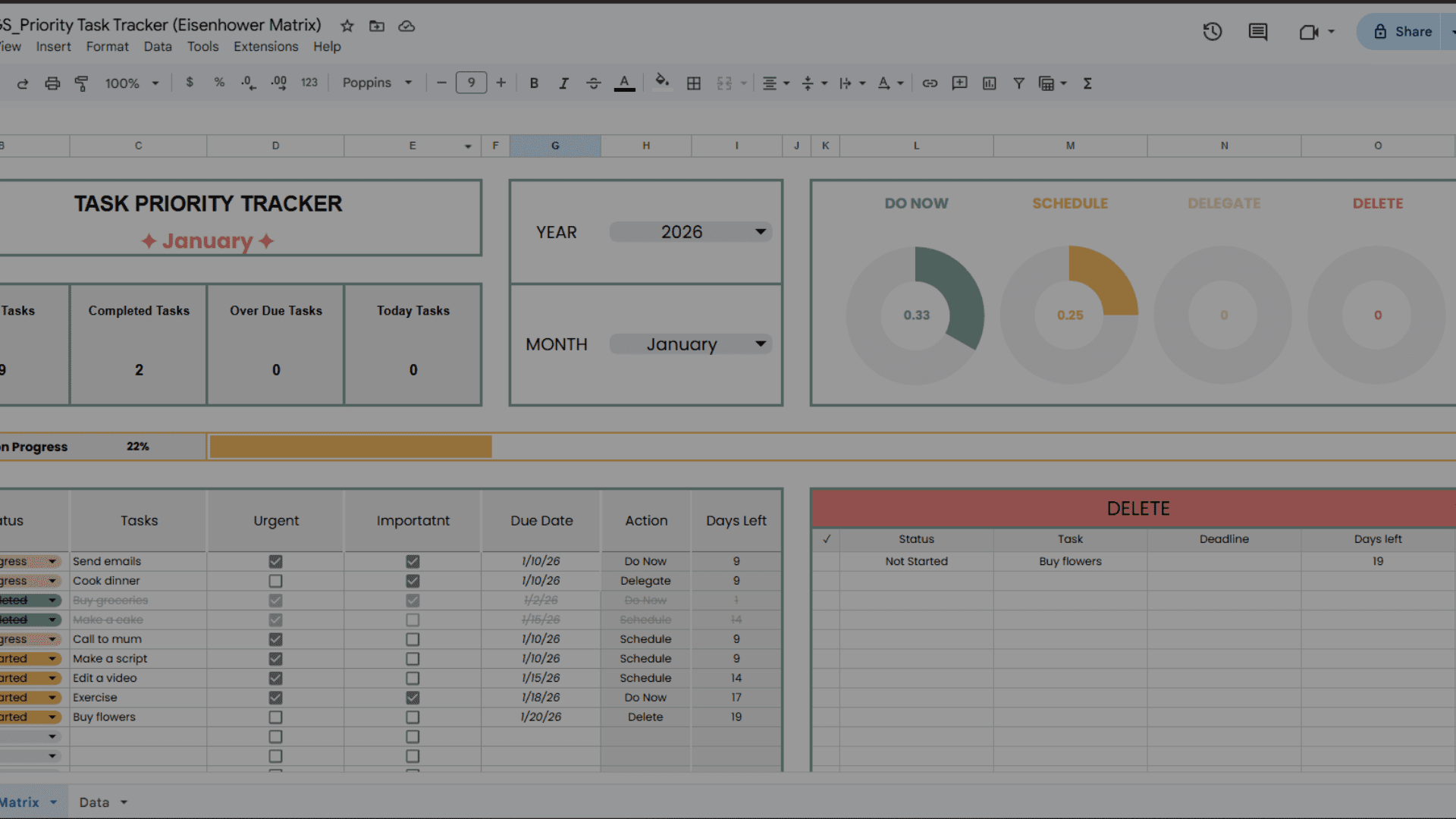
Let’s talk about Goodnotes vs Google Sheets for planning and why it might be a good time to change your game.
For years, I was a die-hard Goodnotes fan. I loved the “paper-like” feel, the beautiful hand-drawn stickers, and the satisfaction of writing with an Apple Pencil. But as my life got busier and my projects grew more complex, I hit a wall.
I realized I was spending more time making my planner look “cute” than actually getting things done. I was scrolling through hundreds of digital pages to find one piece of information.
Finally, I made the switch. I moved my entire life into Google Sheets, and I haven’t looked back. If you’re tired of the manual lag of digital notebooks, here is why Google Sheets wins for efficiency and clarity.
Let’s see the comparisons of Goodnotes vs Google Sheets for Planning!
One of my biggest frustrations with traditional digital planners was the syncing lag or the need to export files. With Google Sheets, there is no “exporting” or “saving.”
Every time you change a cell on your laptop, it is instantly updated on your phone and tablet. Whether I’m at my desk or at the grocery store, I have the exact same version of my data in front of me. No missing files, no version confusion—just instant access. To understand the power of this infrastructure, you can look at how Google Workspace handles cloud collaboration to keep teams synchronized in real-time.
Goodnotes is essentially a digital piece of paper. It’s passive. Google Sheets, however, is active.
By using formulas, dropdown menus, and conditional formatting, I’ve turned my planners into living systems.
Instead of me doing the work to organize the planner, the Sheets do the work for me.
Have you ever tried to share a specific page of a Goodnotes planner with a partner or colleague? You usually have to export a PDF, send a screenshot, or hope they have the app too.
With Google Sheets, collaboration is built into its DNA. Need your partner to see the meal plan? Hit “Share.” Need a colleague to update a project status? Give them editor access. It eliminates the “Where is the latest version?” conversation entirely. For those looking to master professional sharing, Harvard Business Review has a great guide on managing your energy and digital tools to avoid collaboration burnout.
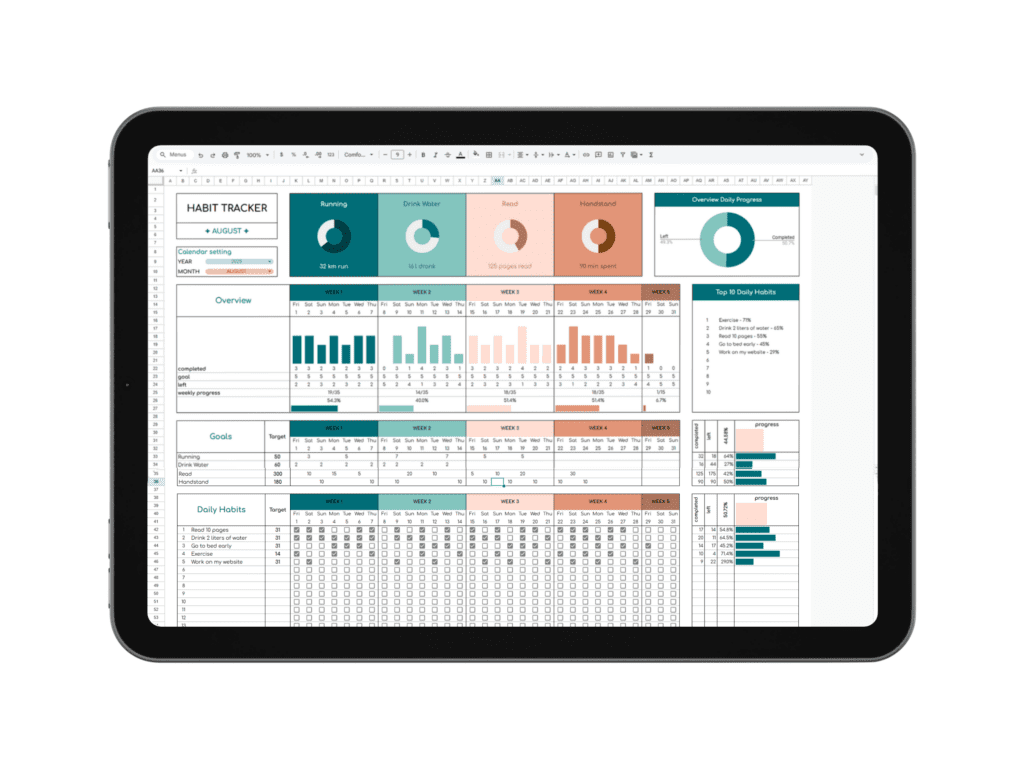
The versatility of a spreadsheet is unmatched. While Goodnotes is great for journaling, Google Sheets adapts to every system you need to live a structured life. I currently use Sheets for:
If you can imagine a system, you can build it in a grid. If you’re new to this, the official Google SPARKLINE function documentation is a great place to start learning how to add visual flair to these templates.
In a digital notebook, you are often stuck scrolling through dozens of pages or relying on handwriting recognition that doesn’t always work.
In Google Sheets, CTRL + F is your best friend. I can find a specific note from a meeting three months ago or a specific budget line item in exactly one second. Search, find, and done. It saves me hours of “where did I write that?” every single month.
Don’t get me wrong—Goodnotes is beautiful. If you want to doodle or practice calligraphy, stay there. But if you love efficiency, automation, and total clarity, Google Sheets is the superior tool.
Moving my systems into Sheets didn’t just organize my data; it organized my mind. It removed the friction of “maintenance” and replaced it with the ease of “automation.”
If you’re feeling overwhelmed by your current planning system, I’ve created a series of tutorials to help you build a “power-user” setup in Sheets without the headache.
I do have videos my YouTube channel where I show you exactly how I use my trackers. Let’s overcome the chaos and build a system that actually works for you.
[Link to your YouTube Video/Channel Here]
Did you liked article about Goodnotes vs Google sheets for Planning? Looking for more? Subscribe to my other newsletters for even more useful tips and insights.
Dream big, live bigger,
Caroline ☁️

